
LG Electronics 34WR55QK Review: Ultimate Curved Gaming!
If you’ve ever wished for a monitor that brings together vivid visuals and practical workspace use, the LG Electronics 34WR55QK may grab you. Its 34-inch curved UltraWide display merges fun with work. Does this monitor blend fast performance with daily ease? Let’s dive in.

Key Features That Stand Out
This LG monitor holds specs that matter for everyday use.
UltraWide Curved Display
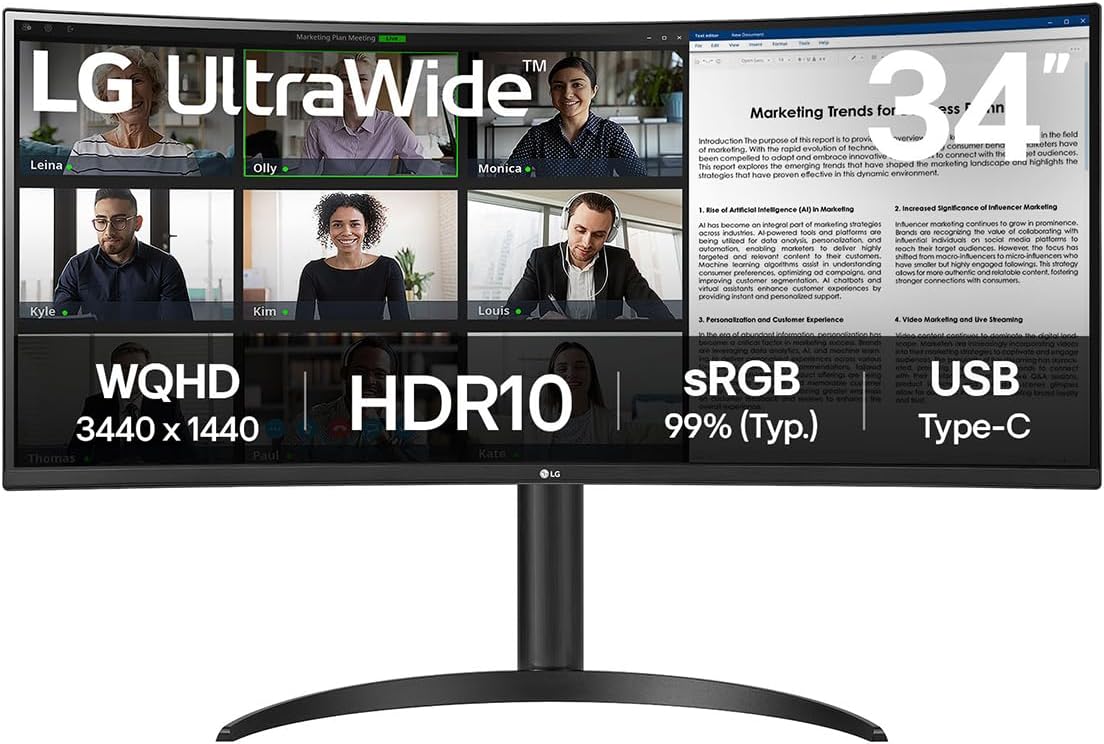
A 34-inch VA panel shows a sharp 3440×1440 resolution. It comes with an 1800R curve and a 21:9 aspect ratio. The design brings you a wide view that makes video editing, spreadsheet work, and gaming smooth. The curve hugs your eyes and cuts down on head turns during long sessions.
Smooth Refresh and Response
A 100Hz refresh rate teams up with a 5ms response time. Motion stays smooth for casual gaming and fast clips. This speed suits most games without causing blur or ghosting.
Multiple Connectivity Options
This monitor works with many connections. A USB-C port gives 65W power delivery to charge your laptop while you use the screen. HDMI and DisplayPort inputs add to its ease. Some users note small faults in the USB ports, but most find connecting devices simple.
Discover the Ultimate Viewing Experience
Smart Features & Comfort
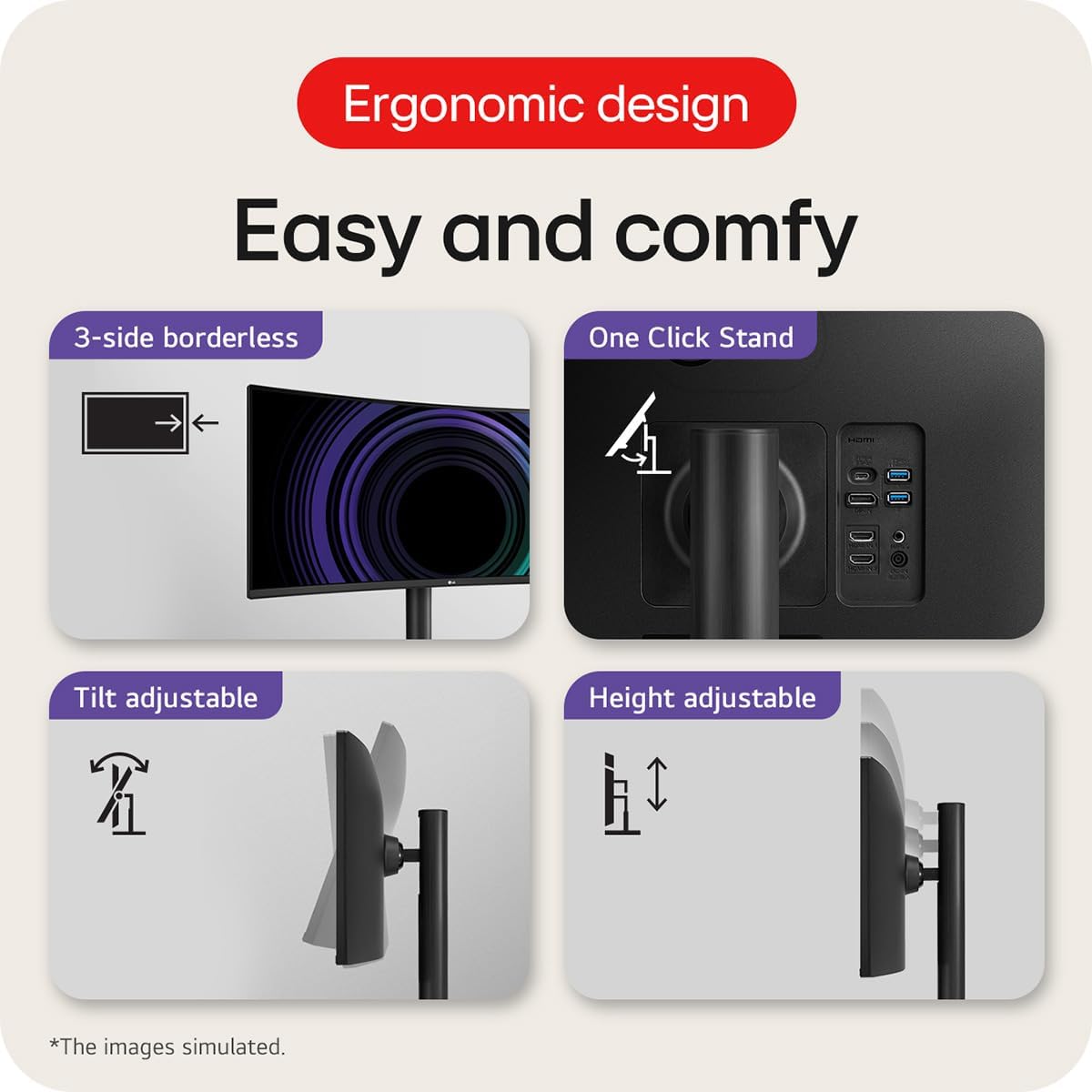
LG’s software helps set the best view. A Picture-by-Picture (PBP) mode lets you hook up two computers at once. Reader Mode shifts brightness and colour to ease tired eyes. Flicker Safe cuts down on screen flicker. An ergonomic stand helps you adjust height and tilt with ease.
Pros
- Crisp, bright images with 99% sRGB coverage and HDR10 support that make colours pop for work or fun.
- The wide view boosts your digital space for handling many apps at once.
- Easy to set up with quick, clear software and smooth stand options.
- USB-C power lets laptops charge on the same screen for a neat desk.
- The refresh and response rates give a smooth feel for casual games and videos.
Cons
- Some USB ports can misbehave, sometimes giving low power or slow data.
- With a 5ms response time, competitive gamers may seek even faster speeds.
- The VA panel shows colors best in the center, but edges may look less crisp than IPS types, which can matter for design work.
Who Is It For?
This monitor fits anyone who wants a clear and wide setup with little fuss.
Upgrade Your Workspace with LG’s Curved Monitor
- Remote workers and home office users can use the wide screen to run several apps side by side.
- Creative professionals and students find its bright, true colours good for photo editing or watching lessons.
- Casual gamers enjoy smooth visuals without the need for ultra-fast speeds.
Laptop users, like those with a MacBook Pro, get a neat, single-cable link with USB-C that keeps desks tidy.
Shop Now for Stunning Clarity and Performance!
Final Thoughts
The LG Electronics 34WR55QK stands as a balanced UltraWide monitor that joins work ease with enjoyment. It shows wide, bright visuals that serve both duty and leisure. Small issues like tricky USB ports and modest gaming speeds do not take away from its strong side for most users. If you want a curved screen that fits a neat workspace and invites media fun, this monitor is a smart pick. Whether you set up a university desk, a home office, or a spot for casual gaming, it gives you a lot of use without extra fuss.
As an Amazon Associate, I earn from qualifying purchases.