
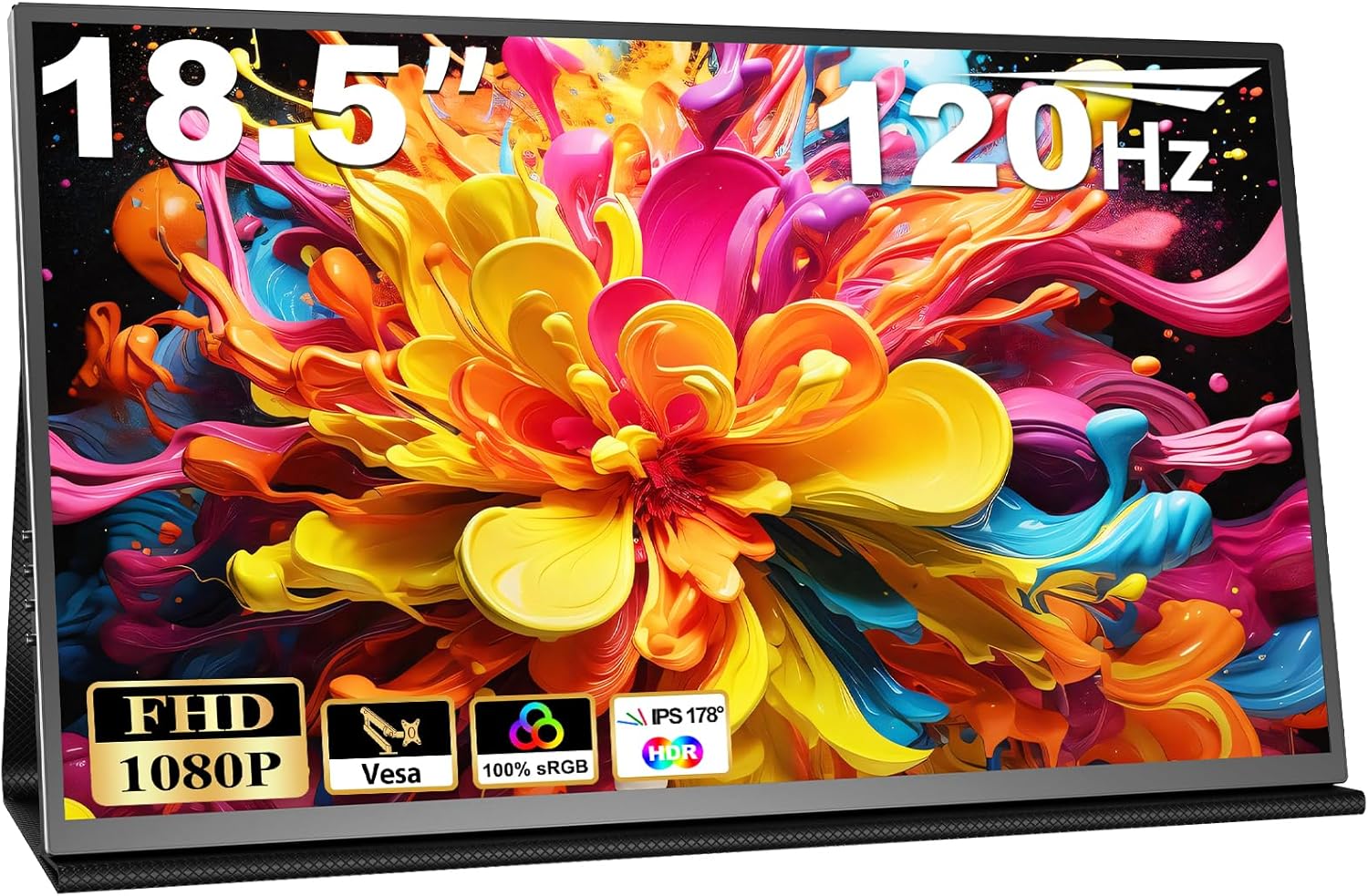
COOLHOOD 18.5-inch Portable Monitor Analysis: 120Hz on the Road
My Honest Verdict
The COOLHOOD 18.5-inch Portable Monitor is a genuinely capable travel display that earns its place in the bag of anyone who works across multiple locations. The headline strength is screen real estate — at 18.5 inches, this sits noticeably larger than the 15.6-inch and 17.3-inch portable monitors that dominate this category, giving you meaningfully more working space without ballooning the weight. The headline limitation is equally clear: the glossy panel and cover-as-stand setup won’t satisfy everyone, and the supplied power cable is short enough to be annoying in real-world use.
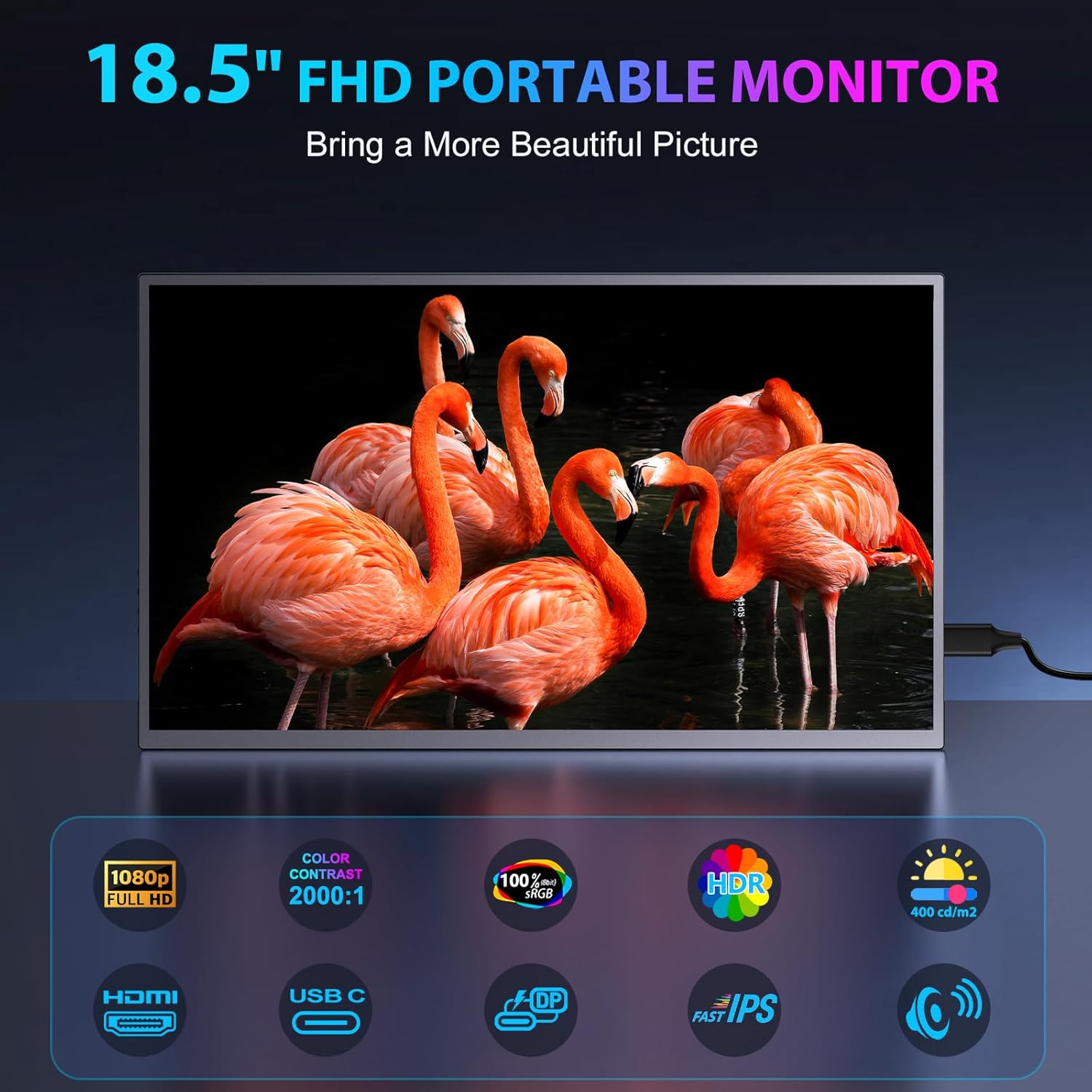
What the specs translate to in practice: 1920 x 1080 resolution at 18.5 inches gives you a pixel density that’s entirely workable for documents, spreadsheets, and video calls — text is sharp, images look clean. The 120Hz refresh rate is a genuine step above the 60Hz ceiling you’d normally expect at this tier, which means scrolling and cursor movement feel smoother than most portable screens. The IPS panel delivers 178-degree viewing angles and colour that doesn’t shift when you tilt the screen — useful when working at odd desk angles or showing something to a colleague. The 2000:1 contrast ratio is a strong number for a portable IPS display, and the 400 cd/m² brightness means it holds up in reasonably lit environments.
This is right for remote workers, students, and frequent travellers who need a real second screen without lugging a full-size monitor. It’s not aimed at serious colour-grading professionals or competitive gamers who need higher resolution or sub-millisecond response times. If you’re a commuter who currently works from a single laptop screen and wants more, this solves that problem well.
See the COOLHOOD 18.5-inch Portable Monitor listing and current availability on Amazon.
What It’s Best For
Remote and hybrid workers are the obvious target. One USB-C cable from your laptop and you’re running a dual-screen setup at a client site, in a café, or in a hotel room. The fact that it also draws power over that same cable — so no separate power brick required when connected to a sufficiently powerful laptop — is the kind of practical detail that matters when you’re packing light. Multiple buyers specifically called out the train and café use cases, and the screen’s brightness of 400 cd/m² helps it hold up in environments that aren’t perfectly dim.
Students get a compelling proposition here. A dual-monitor setup is one of the most effective productivity tools for anyone juggling a textbook, a document, and a browser tab simultaneously — and being able to do that in a library or lecture hall with a screen the same sort of size as a laptop is genuinely useful. One buyer ran through exactly this scenario and noted that the form factor made carrying a full setup in a backpack feasible. That’s a fair assessment.
Light gaming and media consumption also have a case here. The 120Hz refresh is real and noticeable, especially on console titles and casual PC gaming. It won’t replace a dedicated gaming monitor — the 3ms response time is manufacturer-quoted and the glossy panel picks up reflections — but for Switch gaming in a hotel room or watching video in portrait mode, it does the job cleanly. The built-in speakers are a practical bonus when you’re not carrying headphones.
The Specs That Really Matter
The panel is IPS, which is the right choice for a portable screen. IPS panels give you consistent colour at wide angles, which matters when the screen is propped at varying heights and distances on different surfaces. You’re not getting the deep blacks of VA or the low response times of TN, but for a device that needs to work across a dozen different environments, IPS is the sensible pick. The 99% sRGB colour coverage (listed as 100% in the spec sheet) means colour reproduction is accurate enough for photo editing and design work at a casual level — not professional pre-press, but well above average for a portable display.
The 120Hz refresh rate genuinely separates this from the bulk of the portable monitor market, which still mostly ships at 60Hz. For refresh rate and response time context: the difference between 60Hz and 120Hz is visible to most people in everyday scrolling, not just gaming. Text feels smoother, windows move more fluidly, and the whole experience feels more responsive. That said, the 3ms quoted response time is almost certainly a grey-to-grey figure under favourable conditions — that’s standard practice in this market tier. For casual gaming it’s fine. For competitive play, you’ll want a dedicated gaming monitor regardless.
Connectivity is one of this monitor’s actual strengths. Two USB-C ports and a mini HDMI port cover the vast majority of laptops, phones, and consoles in use today. The inclusion of two USB-C to USB-C cables, a mini HDMI to HDMI cable, and a 20W adapter in the box means you’re not immediately hunting for cables. Worth understanding though: for devices that don’t supply enough power over USB-C, you’ll need to use the adapter to power the screen separately — something COOLHOOD flags explicitly and buyers confirm. See the connectivity guide for more on what USB-C can and can’t do depending on the host device.
The 75 x 75mm VESA mount is an unusual and genuinely useful inclusion for a portable screen. It means you can wall-mount or arm-mount this display if it ends up living on a desk permanently — not something most portable monitors offer. The HDR support listed in the specs should be taken as entry-level HDR only — no certification level is specified, and at 400 cd/m² peak brightness, you won’t see dramatic HDR highlights. It’s there, but don’t make the buying decision based on it. If you want to understand what monitor specs actually mean in plain English, that’s worth a read before committing to any screen at this tier.
As of 2026, the portable monitor market has matured enough that 120Hz and dual USB-C inputs at this screen size genuinely stand out — a year ago you’d have been paying significantly more for this combination.
Check the full spec sheet and buyer Q&As for the COOLHOOD 18.5-inch Portable Monitor on Amazon.
What Buyers Are Saying
The COOLHOOD 18.5-inch Portable Monitor holds a rating of 4.6 out of 5 from 985 customer reviews — a meaningful sample size, and the distribution skews heavily positive. The praise themes are consistent across UK and US buyers: ease of setup, screen quality that exceeds expectations at this tier, and build quality that feels more solid than the price would suggest.
Setup speed comes up repeatedly. Multiple buyers described having the monitor running in under two minutes from unboxing, with no driver installation and no configuration faff. Single-cable operation over USB-C — both data and power from the laptop — is specifically called out as a practical win. One buyer working across multiple client sites described it as the solution to the multi-wire problem, and that sentiment appears across several reviews.
The colour accuracy and sharpness draw consistent praise. A Photoshop user travelling for work noted they could now fully edit images on the move rather than waiting to return home to a desk setup. That’s a specific, real use case that tells you the colour quality is genuinely usable for detailed work. The built-in speaker gets a mention from buyers who appreciated not needing separate audio when the screen is propped up for video or calls.
Two recurring criticisms: the supplied power cable is short, which is a genuine inconvenience if you need to plug into a wall socket that isn’t directly behind your desk. And the cover-as-stand approach, borrowed from tablet design, divides opinion — some find it flexible and practical, others would prefer proper legs. These are real limitations but neither affects the screen itself.
Buyer Highlights
“Setup took under two minutes. One cable from my laptop and it was running at full resolution with zero driver drama.” — The out-of-box experience earns this feedback from multiple buyers across different laptop brands and operating systems.
“The build quality surprised me most. It’s thin but doesn’t feel flimsy.” — A common reaction from buyers who expected a cheaper-feeling product and got something more substantial.
“I can now fully edit on the move so no waiting to get back home and wade through the backlog anymore.” — Specific feedback from a Photoshop user, confirming the colour accuracy holds up for detailed image work.
“The supplied power cable is ridiculously short.” — The single most consistent practical complaint across reviews — worth factoring in before you decide where this screen will live.
“My son also plugs his phone into it sometimes and uses it in the car.” — A reminder that the USB-C input makes this genuinely usable with modern Android phones, not just laptops.

Worth Knowing Before You Buy
The cover-as-stand design is functional but not for everyone. It props the screen at a reasonable angle and is stable enough for desk use — buyers confirm this works — but you can’t height-adjust or tilt precisely the way you can with a monitor that has a proper stand. If ergonomics matter to you and you’re planning to use this as a primary screen at a permanent desk, check the monitor buying guide to see what stand adjustability you should actually be expecting at different price tiers. For travel and occasional use, the cover setup is entirely reasonable.
The glossy panel finish is worth flagging. Glossy screens look more vibrant in controlled lighting but pick up reflections in bright rooms or near windows. If your working environment involves strong ambient light behind you, this will occasionally be annoying. A matte panel would have been the more practical choice for a travel screen — the glossy finish here is a trade-off for the punchier colour presentation, and most buyers seem to accept it, but it’s worth knowing before you set up next to a bright window.
Power requirements need a moment’s thought. When connected to laptops or devices that supply sufficient USB-C power delivery, the screen powers from the cable alone. With lower-power sources — older laptops, some phones, consoles — you’ll need to use the included 20W adapter to power the screen separately. COOLHOOD is upfront about this in the product description, which is appreciated. The included adapter cable being short is the practical inconvenience; grabbing a longer cable resolves it. The two-year manufacturer warranty is a solid inclusion at this tier and covers you well beyond the return window.
There is one buyer note about brightness resetting to a lower level on reconnection. This appears to be a minor firmware behaviour rather than a fault — the OSD controls are reportedly straightforward to use, so readjusting takes seconds, but it’s worth knowing if consistency between sessions matters to your workflow. Understand how to choose the right type of screen for your situation with this guide on which monitor suits different use cases.
View current stock levels for the COOLHOOD 18.5-inch Portable Monitor on Amazon.
Who Should Buy It (And Who Shouldn’t)
Buy If
- You work across multiple locations and want a dual-screen setup that fits in a laptop bag — the single-cable USB-C connection makes this genuinely practical rather than theoretical.
- You need a larger portable screen than the typical 15.6-inch options and the 18.5-inch size genuinely gives you more working room for split-window productivity or side-by-side document comparison.
- You want 120Hz in a portable form factor — smoother scrolling and more responsive feel is a real daily benefit, especially if your laptop screen is 60Hz.
- You occasionally want to wall-mount or arm-mount a portable display — the 75 x 75mm VESA mount is unusual at this tier and gives you options most competitors don’t.
- You want console or phone compatibility alongside laptop use — the mini HDMI input and full USB-C ports cover Xbox, PlayStation, Switch, and most modern phones without adapters.
Avoid If
- Your workspace has strong ambient light behind you — the glossy panel will produce reflections that a matte screen wouldn’t, and for a screen you’re using all day, that compounds into genuine fatigue.
- You need precise ergonomic control — the cover stand doesn’t offer height or tilt adjustment, and there’s no VESA arm that conveniently travels with you; for an extended desk setup, a monitor with a proper adjustable stand is the better call.
- You’re a competitive gamer expecting console-class response times — the 3ms quoted figure is a marketing measurement, and for fast-paced competitive play, a purpose-built gaming monitor with verified response times is what you actually need.
The Bottom Line
The COOLHOOD 18.5-inch Portable Monitor does what a portable monitor should: it packs up, travels, connects in seconds, and gives you a genuinely usable second screen wherever you are. The 120Hz refresh rate and IPS panel are above what most of the competition offers at this size, the colour quality holds up for real work, and the inclusion of VESA mounting, a smart cover, and a full cable kit in the box shows someone thought about this properly. The short power cable and glossy panel are real niggles, not dealbreakers. For remote workers, students, and anyone who currently squints at a single laptop screen on the road, this is a straightforward, well-justified purchase.
Find the COOLHOOD 18.5-inch Portable Monitor on Amazon and check the current listing details.
At The Monitor Expert, our approach is built on data transparency rather than simulated hands-on testing. We rigorously analyse official manufacturer specifications and aggregate verified customer sentiment to provide honest, straightforward buying advice that cuts through the marketing noise.
As an Amazon Associate, I earn from qualifying purchases.
Browse by Specification
Looking for something specific? Browse our analyses by hardware and feature below, or check all monitor analyses in the Portable Monitors and Budget Monitors category archives.
[IPS Monitors] — [VA Monitors] — [TN Monitors] — [OLED Monitors]
Browse by Refresh Rate
[60Hz] — [75Hz] — [100Hz] — [120Hz] — [144Hz] — [165Hz] — [180Hz] — [200Hz] — [240Hz+] — [360Hz+]
Browse by Screen Size
[Small Screen] — [24-inch] — [27-inch] — [32-inch] — [Large Screen] — [Ultrawide]




