
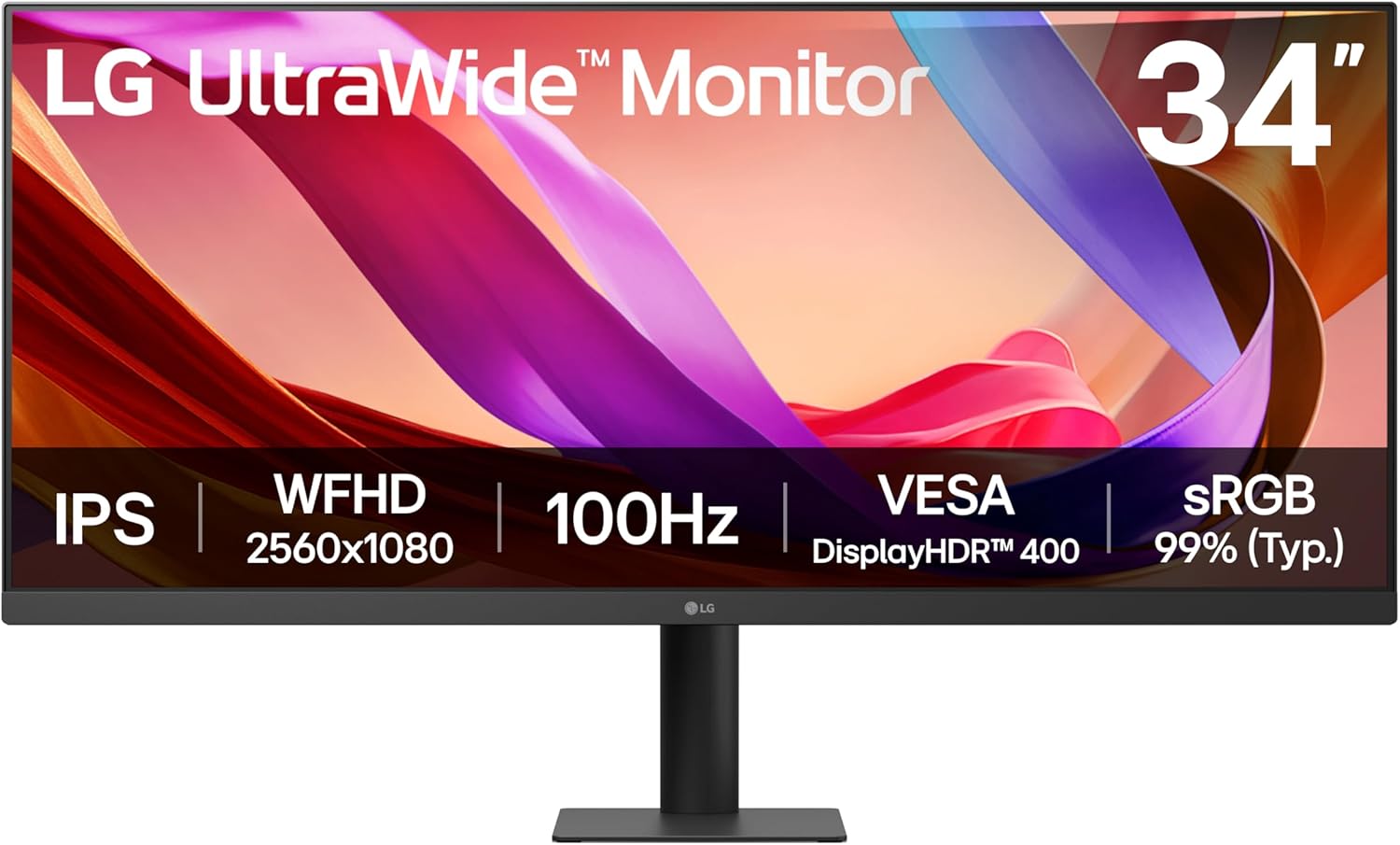
LG UltraWide Monitor 34U511A Analysis: Wide Screen, Real Trade-Offs
My Honest Verdict
The LG UltraWide Monitor 34U511A is a straightforward office and productivity screen that does exactly what it says on the tin. If you want more horizontal workspace without splashing out on a dual-monitor setup, this 34-inch 21:9 panel delivers that extra breathing room at a sensible point in the market. The headline limitation is equally straightforward: the resolution is 2560×1080, which means you’re spreading pixels across a wide canvas at a lower density than most buyers have come to expect in 2025. That has real visible consequences, and you need to go in knowing that.
Day to day, the IPS panel means consistent, accurate colours from wherever you’re sitting — no washed-out shift when you glance from the side, which matters on a wide screen. The 100Hz refresh rate is a genuine step up from the standard office 60Hz, giving scrolling and general desktop use a noticeably smoother feel without pushing this into gaming monitor territory. The 5ms GtG response time is fine for productivity; nothing to shout about for gaming, but not the point here. At 400 cd/m² brightness with a matte finish, it handles a well-lit room without turning into a glare trap.
This is a monitor for people who multitask heavily on a single screen — writers, developers, spreadsheet-heavy office workers — and who are working from a desk where a second monitor simply isn’t viable. If pixel sharpness is your priority, or you’re hoping to game seriously on it, look elsewhere. But for what it’s actually designed to do, the LG UltraWide Monitor 34U511A is a considered, no-fuss choice.
See the current availability and listing details for the LG UltraWide Monitor 34U511A on Amazon.
What It’s Best For
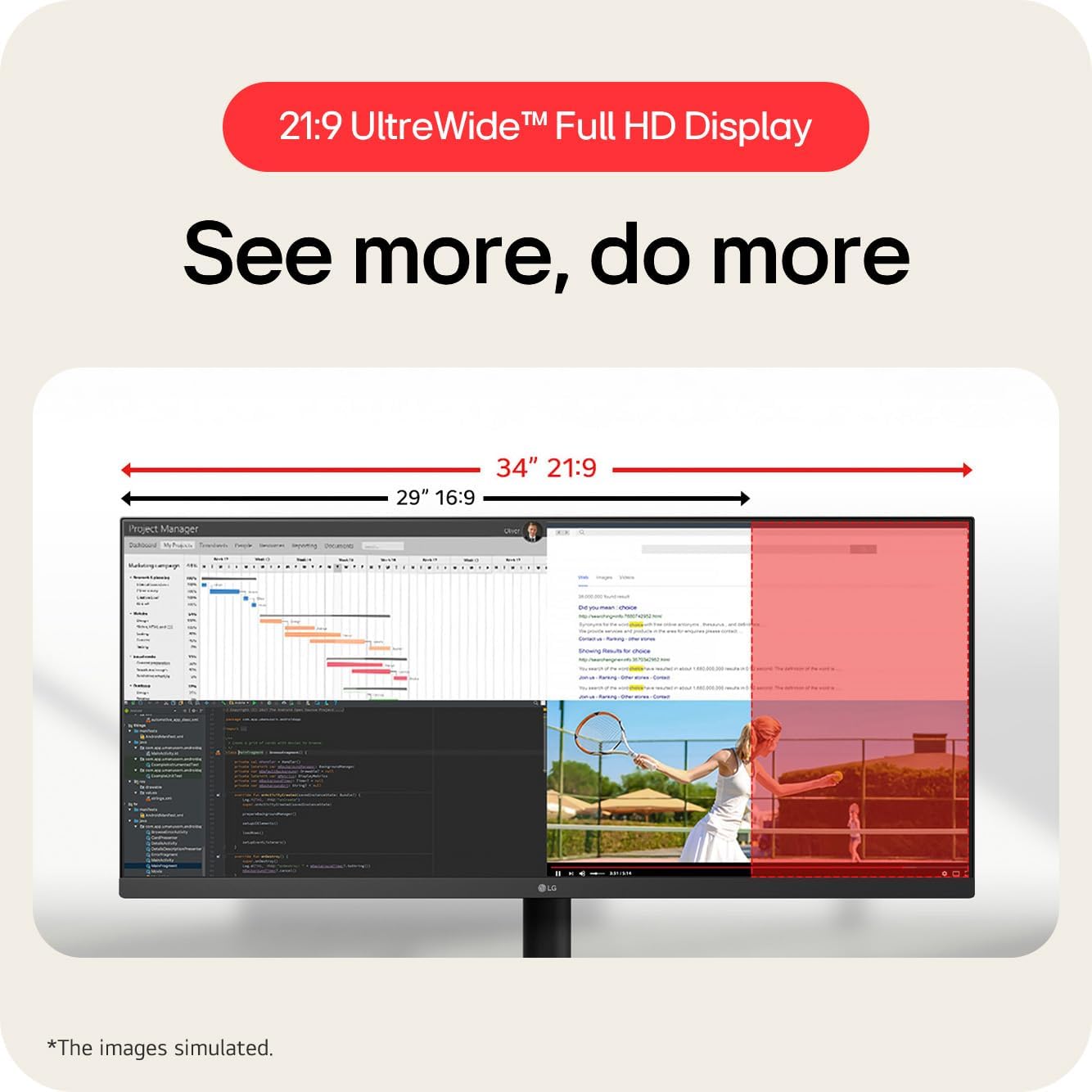
Office work and heavy multitasking. This is the obvious sweet spot. The 2560×1080 21:9 display gives you roughly a third more horizontal screen space than a standard 1920×1080 monitor. In practice that means having a full document open on one side and a browser or email client on the other, without either window feeling cramped. LG’s built-in screen-splitting software lets you divide the display into up to six zones and map hotkeys to launch specific apps — that’s genuinely useful for people who hate fiddling with window management every morning. If you’re currently juggling windows on a single standard-width screen, the difference here is immediate and real.
Replacing a dual-monitor setup where desk space is tight. Several buyers specifically flagged this as their reason for choosing the LG UltraWide Monitor 34U511A, and it’s a legitimate use case. Two monitors need two stands, two sets of cables, and a wide enough desk to avoid craning your neck. A single 34-inch ultrawide solves all three problems. You sacrifice some vertical real estate compared to a stacked arrangement, but for most horizontal-scrolling workflows — coding, spreadsheets, video timelines — that trade is worth making. The type of monitor that suits a particular workflow is worth thinking through before committing, but for side-by-side tasking, this format makes a strong argument for itself.
Casual media consumption. The 21:9 aspect ratio is native to a lot of cinematic content, meaning widescreen films play without letterboxing bars top and bottom. Combined with the IPS panel’s colour consistency and 400 cd/m² brightness, it’s a decent living-room-desk setup for someone who uses the same screen for work during the day and streaming in the evening. Don’t expect deep blacks — that’s an IPS limitation — but for general viewing it holds up well.
The Specs That Really Matter
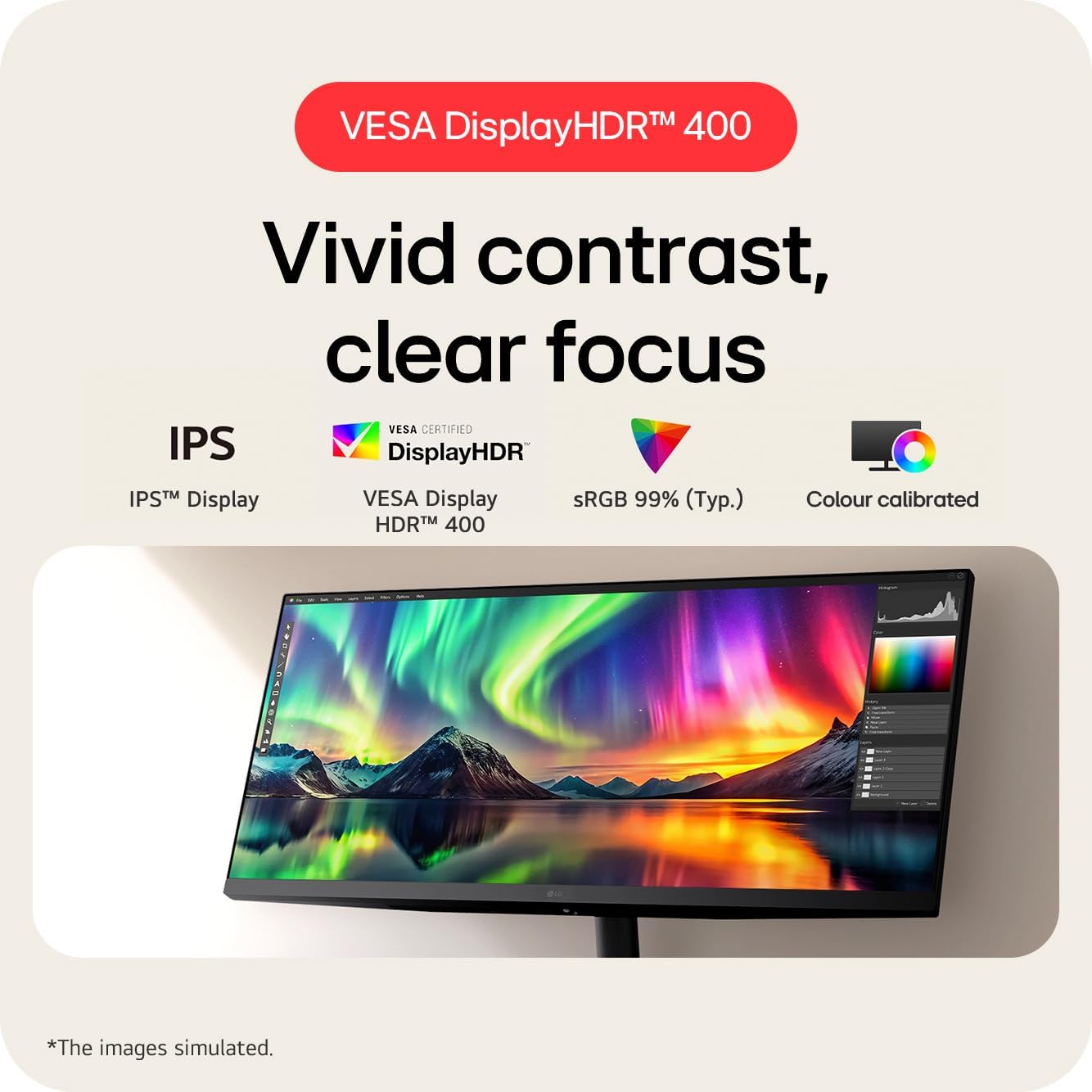
The panel type here is IPS, and for this use case that’s the right call. IPS panels deliver consistent colour accuracy across wide viewing angles — the 178-degree stated here is typical for the technology and reflects real-world performance rather than marketing padding. If you’ve ever used a cheap TN panel and watched the colours shift when you moved your head slightly, you’ll appreciate why this matters on a wide monitor where your eye level isn’t always dead centre. For a deeper breakdown of what separates panel technologies in practice, the guide to monitor panel types covers it well. The IPS choice does mean the 1000:1 contrast ratio is unremarkable — blacks will look dark grey rather than true black in a dim room. That’s a known IPS characteristic, not a defect.
The resolution is the thing to understand properly before buying. 2560×1080 sounds more impressive than 1920×1080, and it is — but spread across 34 inches it works out to a pixel density that’s noticeably lower than you’d get from a 2560×1440 27-inch. Text rendering is softer. Fine detail in images is less crisp. Some buyers will be completely unbothered by this; others find it distracting within a week. If pixel density matters to you, the relationship between screen size and resolution is worth understanding before you commit. The matte finish helps here — it softens the appearance of the lower pixel density rather than drawing attention to it the way a glossy panel would.
The 100Hz refresh rate is a genuine quality-of-life addition for a monitor marketed at office use. Scrolling through long documents, switching between applications, dragging windows around — all of it feels marginally but perceptibly smoother than 60Hz. It’s not the reason to buy this over a competitor, but it’s a good baseline for 2026 and above what you’d get from a budget office display. The 5ms GtG response time alongside a 1ms MBR mode covers light gaming adequately, though anyone expecting to play competitive titles on this will find the combination of response time and pixel density underwhelming. The connectivity is lean: one HDMI and one DisplayPort, plus a headphone output. That covers most setups, but there’s no USB hub and no USB-C — worth checking against your machine before buying. See the monitor connectivity guide if you’re unsure which ports you’ll need. The DisplayHDR 400 certification exists, and I’ll address that honestly below — it’s entry-level HDR at best.
Check the full spec sheet and buyer Q&As for the LG UltraWide Monitor 34U511A on Amazon.
What Buyers Are Saying
The LG UltraWide Monitor 34U511A currently holds a rating of 4.1 out of 5 from 17 reviews on Amazon UK. That’s a small sample — small enough that a handful of outlier reviews swing the average noticeably — so treat the sentiment here as indicative rather than definitive. It’s a reasonable early signal, but not a statistically robust one.
The dominant theme in positive feedback is the ultrawide format itself delivering exactly what buyers hoped for. Multiple reviewers specifically called out the ability to run two applications side by side as the standout benefit — not a vague “it’s great”, but concrete mentions of splitting the screen and having each half feel usable rather than cramped. Setup appears to be painless; no reviewers flagged cable or driver headaches. Build quality gets quiet nods of approval rather than enthusiastic praise, which is probably about right for a monitor at this tier.
The criticisms are worth naming clearly. One buyer flagged the wall-mounting situation: the stand’s spigot doesn’t remove cleanly, which means flush wall mounting with a standard 100×100 VESA mount may not work as expected despite the spec claiming VESA compatibility. If wall mounting is a requirement rather than a nice-to-have, that’s worth investigating before purchasing. A second buyer raised picture quality concerns — specifically that the lower pixel density at this screen size makes the image look soft. That’s not a defect; it’s the expected result of 2560×1080 across 34 inches, and it’s the honest trade-off of this resolution tier. One reviewer also explicitly flagged that there are no built-in speakers, which caught them off guard. Worth stating clearly: there are none. Plan for external audio from the start.
Buyer Highlights
“Perfect solution — I can now split the screen and each half is a decent size.” — A recurring verdict from buyers who moved to this from a single standard-width monitor.
“Much bigger than I expected — one is more than ample.” — A common reaction for buyers who underestimate how much real estate 34 inches of 21:9 actually occupies on a desk.
“Crisp display, smooth performance, and excellent value — just no built-in speakers.” — Typical of buyers who are happy overall but caught out by the missing audio.
“Sharp and glare free — the size works really well for placing two applications side by side.” — Consistent feedback from productivity-focused buyers who found the matte finish and layout worked in their favour.
Worth Knowing Before You Buy
The DisplayHDR 400 certification on the LG UltraWide Monitor 34U511A needs honest context. DisplayHDR 400 is the lowest tier in the VESA HDR certification scheme — it requires a minimum peak brightness of 400 cd/m² and has no local dimming requirement. In practice, HDR content on this monitor will look broadly similar to SDR content with slightly elevated brightness. If you’re coming from a TV with proper HDR and expecting that — don’t. LG’s “HDR Effect” mode in the OSD applies processing to non-HDR content, which some buyers find adds a bit of pop; others find it artificial. Neither is wrong, but it’s worth knowing this isn’t genuine HDR in any meaningful sense. If you want to understand what separates entry-level from proper HDR specs, the specs explained guide breaks it down clearly.
The wall-mounting situation is worth flagging again because one buyer had a specific bad experience with it. LG lists 100×100 VESA compatibility, which is technically accurate, but the stand’s spigot design may prevent flush mounting with standard third-party brackets. If you’re planning to mount this rather than use the desk stand, confirm the bracket clearance before buying — or at minimum be aware that it may not sit flat. The stand itself offers tilt adjustment only; no height adjustment, no swivel. That’s typical at this price tier but it does mean your ergonomic options are limited to what you can achieve with the tilt and your chair height. Anyone with specific ergonomic requirements should factor that in. The 2-year manufacturer warranty is standard for LG in the UK and reasonable for the category.
No built-in speakers. Say it once, say it clearly: if you want audio from this monitor, you need external speakers or headphones. There is a headphone output on the unit, so you can route audio out, but nothing comes out of the monitor itself. Factor that into your desk setup before ordering.
View current stock and availability for the LG UltraWide Monitor 34U511A on Amazon.
Who Should Buy It (And Who Shouldn’t)
Buy If
- You want to run two applications side by side on a single screen and your current monitor makes that feel cramped — the 21:9 format solves this more cleanly than most alternatives at this screen size.
- Desk space is limited and a dual-monitor arrangement genuinely isn’t feasible — one 34-inch ultrawide takes up less room than two standard monitors and eliminates the gap between them.
- You prioritise accurate, consistent colours for document work and casual media over deep blacks or peak brightness — the IPS panel delivers exactly that, and the matte finish keeps glare manageable in a bright office.
- You want a monitor that handles light gaming alongside daily productivity use — the 100Hz refresh and 1ms MBR mode are enough for casual play, even if this isn’t a dedicated gaming panel.
Avoid If
- Pixel sharpness and text clarity are important to you — at 2560×1080 across 34 inches, the pixel density is low enough that fine text looks noticeably softer than on a 1440p or 4K panel of similar size.
- You need to wall-mount the monitor flush — the stand spigot design has caused problems for at least one buyer, and standard VESA brackets may not clear it without additional hardware.
- You want built-in audio — there are none, and if that’s a deal-breaker for your setup, factor in the additional cost and desk space for external speakers before deciding.
The Bottom Line
The LG UltraWide Monitor 34U511A earns its place as a sensible, honest choice for productivity-focused buyers who want more screen width without the complexity of a multi-monitor setup. The IPS panel, 100Hz refresh, and well-designed screen-splitting software all serve the use case well. The resolution trade-off is real — go in knowing that — and the wall-mounting situation and lack of speakers are worth having a plan for before the box arrives. If the ultrawide format is what you need and pixel density isn’t your primary concern, this delivers. Check the monitor buying guide if you want to weigh it against alternatives before committing.
The LG UltraWide Monitor 34U511A is listed on Amazon with full specification details and buyer Q&As.
At The Monitor Expert, our approach is built on data transparency rather than simulated hands-on testing. We rigorously analyse official manufacturer specifications and aggregate verified customer sentiment to provide honest, straightforward buying advice that cuts through the marketing noise.
As an Amazon Associate, I earn from qualifying purchases.
Browse by Specification
Looking for something specific? Browse our analyses by hardware and feature below, or check all monitor analyses in the Office Monitors and Mid-Range Monitors category archives.
[IPS Monitors] — [VA Monitors] — [TN Monitors] — [OLED Monitors]
Browse by Refresh Rate
[60Hz] — [75Hz] — [100Hz] — [120Hz] — [144Hz] — [165Hz] — [180Hz] — [200Hz] — [240Hz+] — [360Hz+]
Browse by Screen Size
[Small Screen] — [24-inch] — [27-inch] — [32-inch] — [Large Screen] — [Ultrawide]




