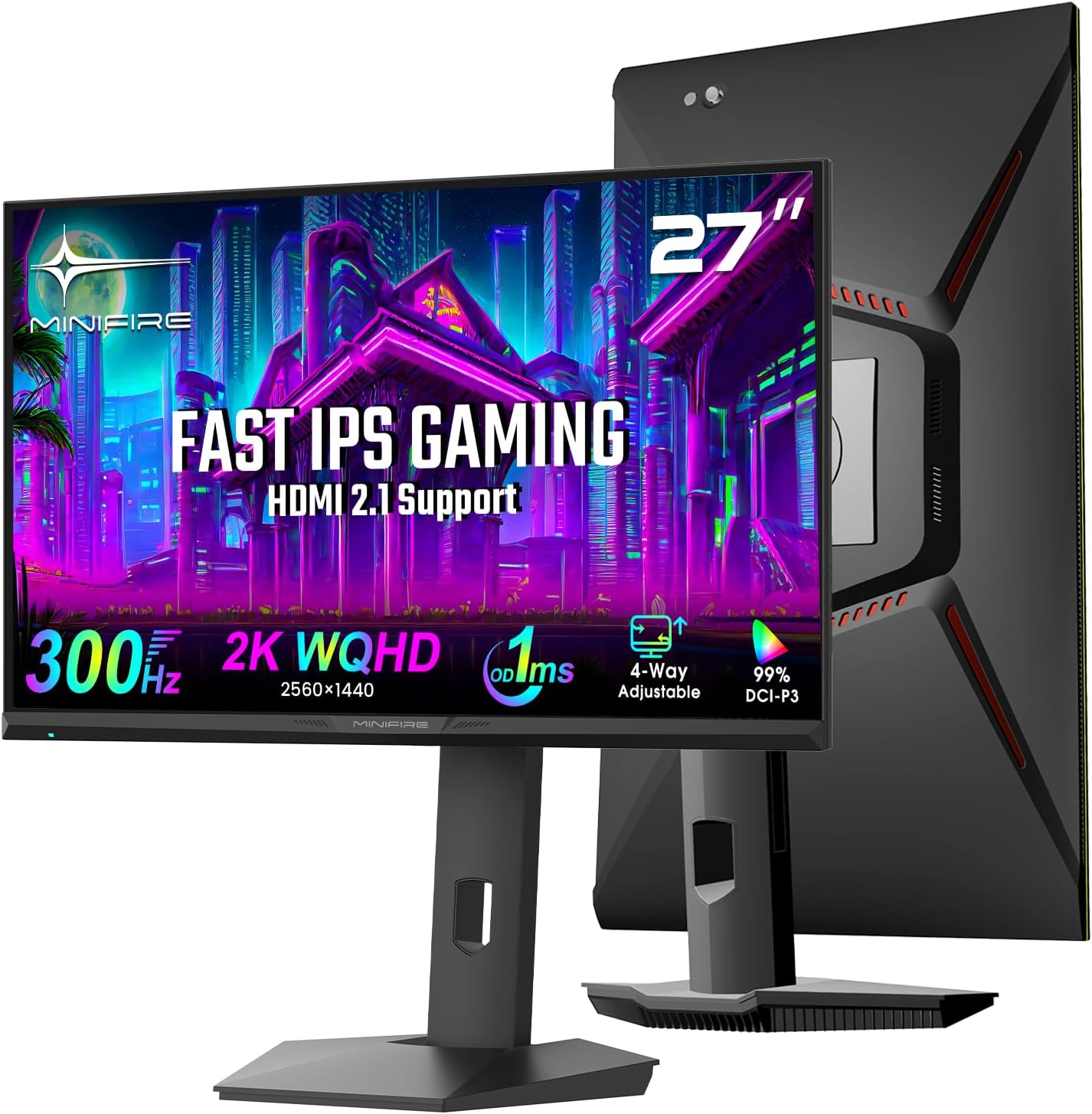
Minifire MFG27F6Pro Analysis: 300Hz WQHD, Unknown Brand
Reading Time: 9 minutesMy Honest Verdict The Minifire MFG27F6Pro is a 27-inch WQHD gaming monitor with a headline spec that genuinely stands out
Continue ReadingOctober 9, 2026

HDMI 2.1 is not just a spec sheet number — it is the difference between your monitor keeping up with your setup and quietly bottlenecking it. The jump from HDMI 2.0 to 2.1 unlocks significantly higher bandwidth, which means 4K at 120Hz or 144Hz over a single HDMI cable without compression, and full compatibility with PS5 and Xbox Series X at their maximum output. If you are running a current-gen console or a high-end GPU and pushing high resolutions at high refresh rates, HDMI 2.0 will hold you back whether you realise it or not.
The problem is that HDMI 2.1 is still not standard across the mid-range monitor market in 2026. Plenty of monitors are sold as “4K gaming” screens with only HDMI 2.0 ports, which means you cannot actually hit 4K at high refresh rates over HDMI — you need DisplayPort instead. I flag this clearly in every relevant analysis so you know exactly what you are connecting before you buy.
Reading Time: 9 minutesMy Honest Verdict The Minifire MFG27F6Pro is a 27-inch WQHD gaming monitor with a headline spec that genuinely stands out
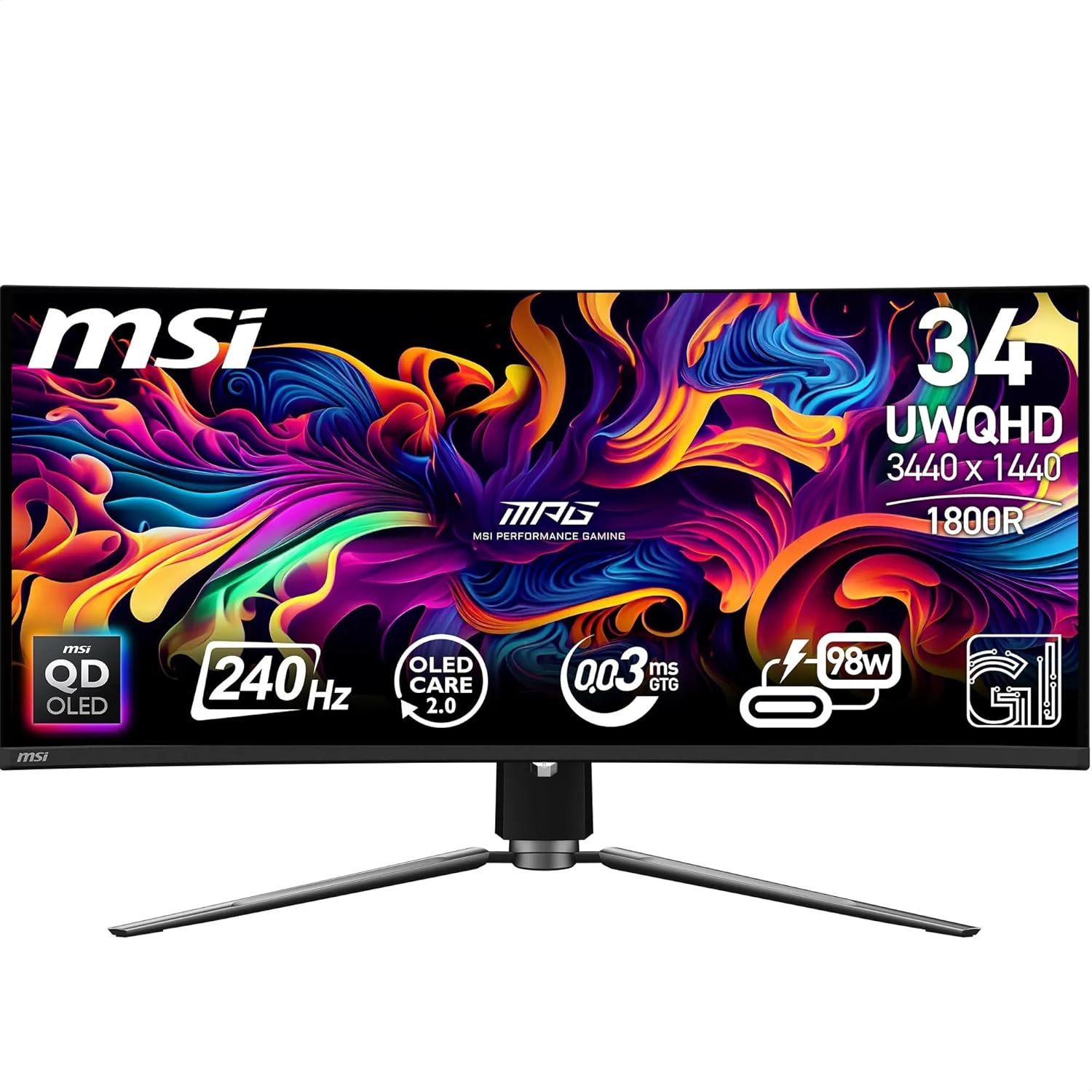
Continue ReadingReading Time: 9 minutesMy Honest Verdict The MSI MPG 341CQPX QD-OLED is, without hedging, one of the strongest ultrawide gaming monitors available right
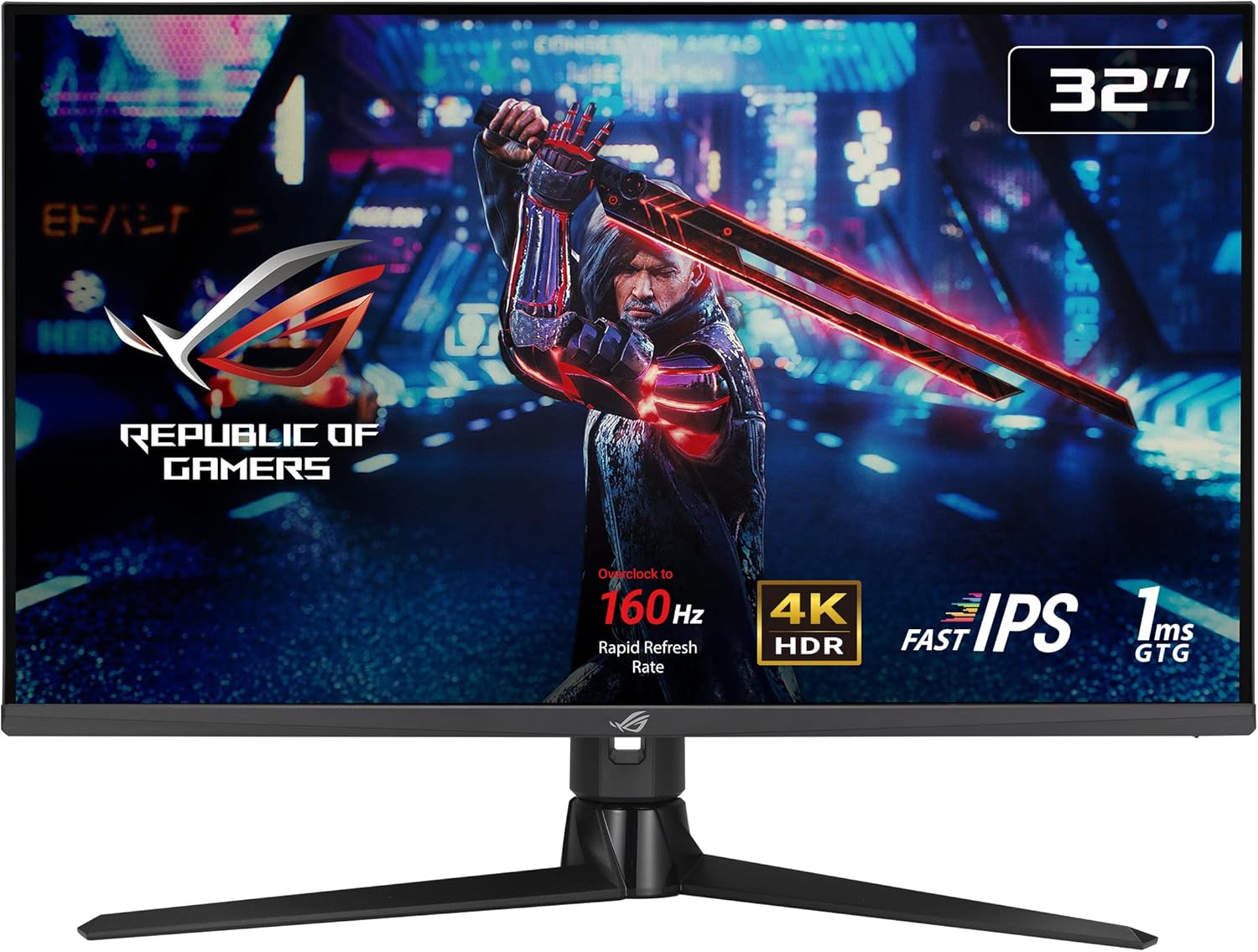
Continue ReadingReading Time: 10 minutesMy Honest Verdict The ASUS ROG Strix XG32UQ is a serious 4K gaming monitor that gets the fundamentals right. 32-inch
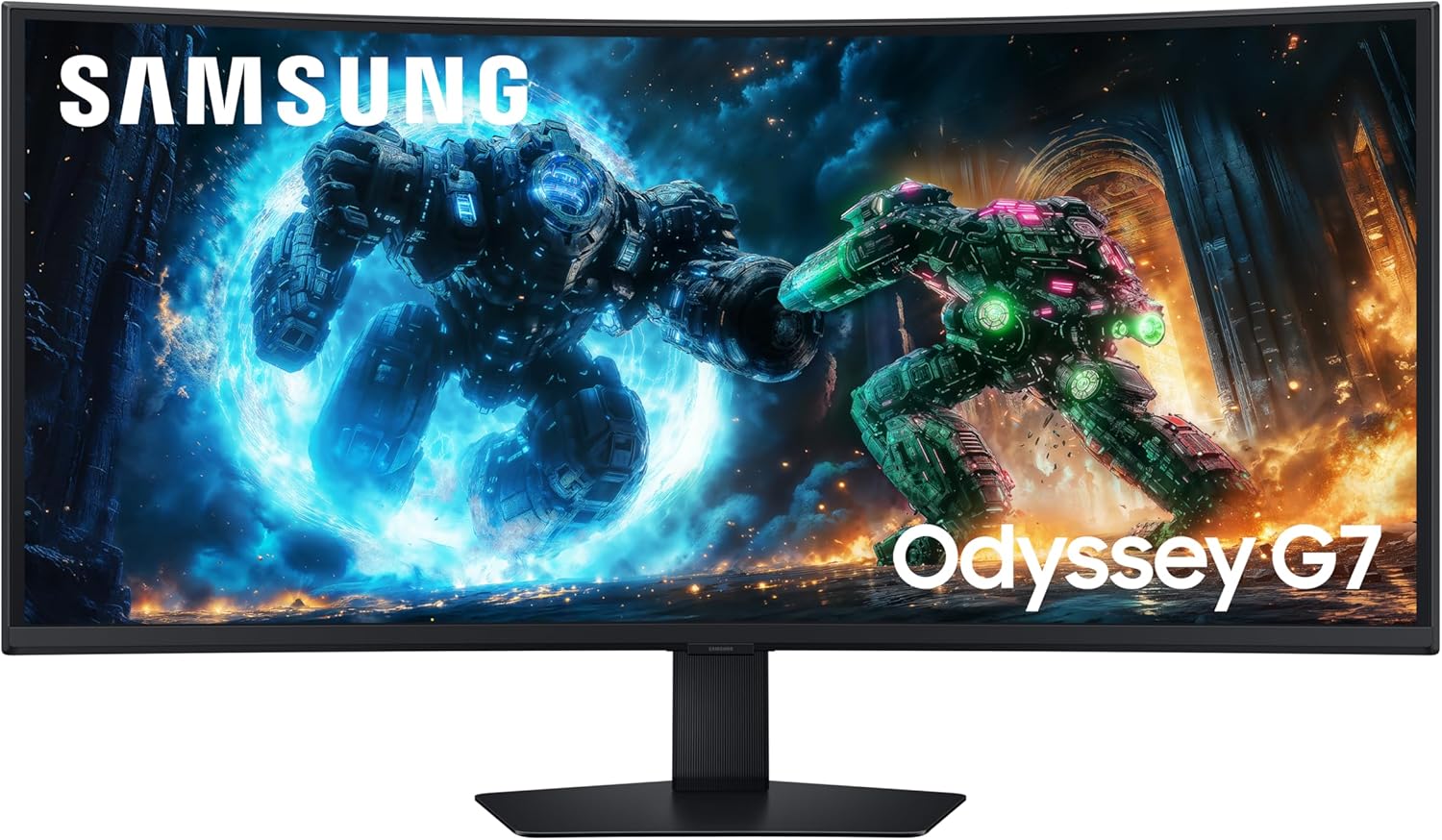
Continue ReadingReading Time: 9 minutesMy Honest Verdict The Samsung Odyssey G7 LS40FG756EUXXU is a serious ultrawide that earns its place in the premium tier.
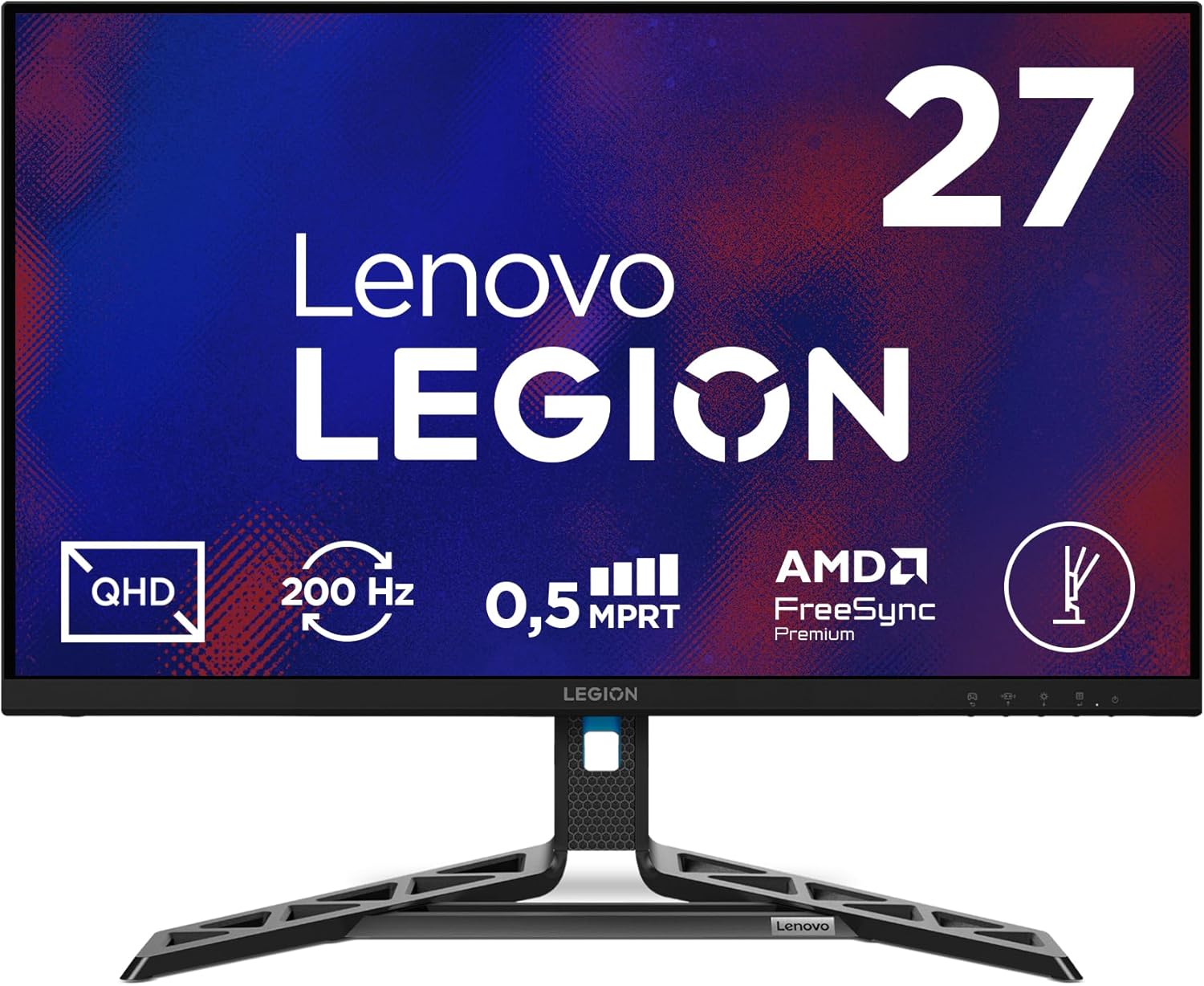
Continue ReadingReading Time: 9 minutesMy Honest Verdict The Lenovo Legion R27qe Gen 2 is a strong entry in the crowded 27-inch QHD gaming monitor
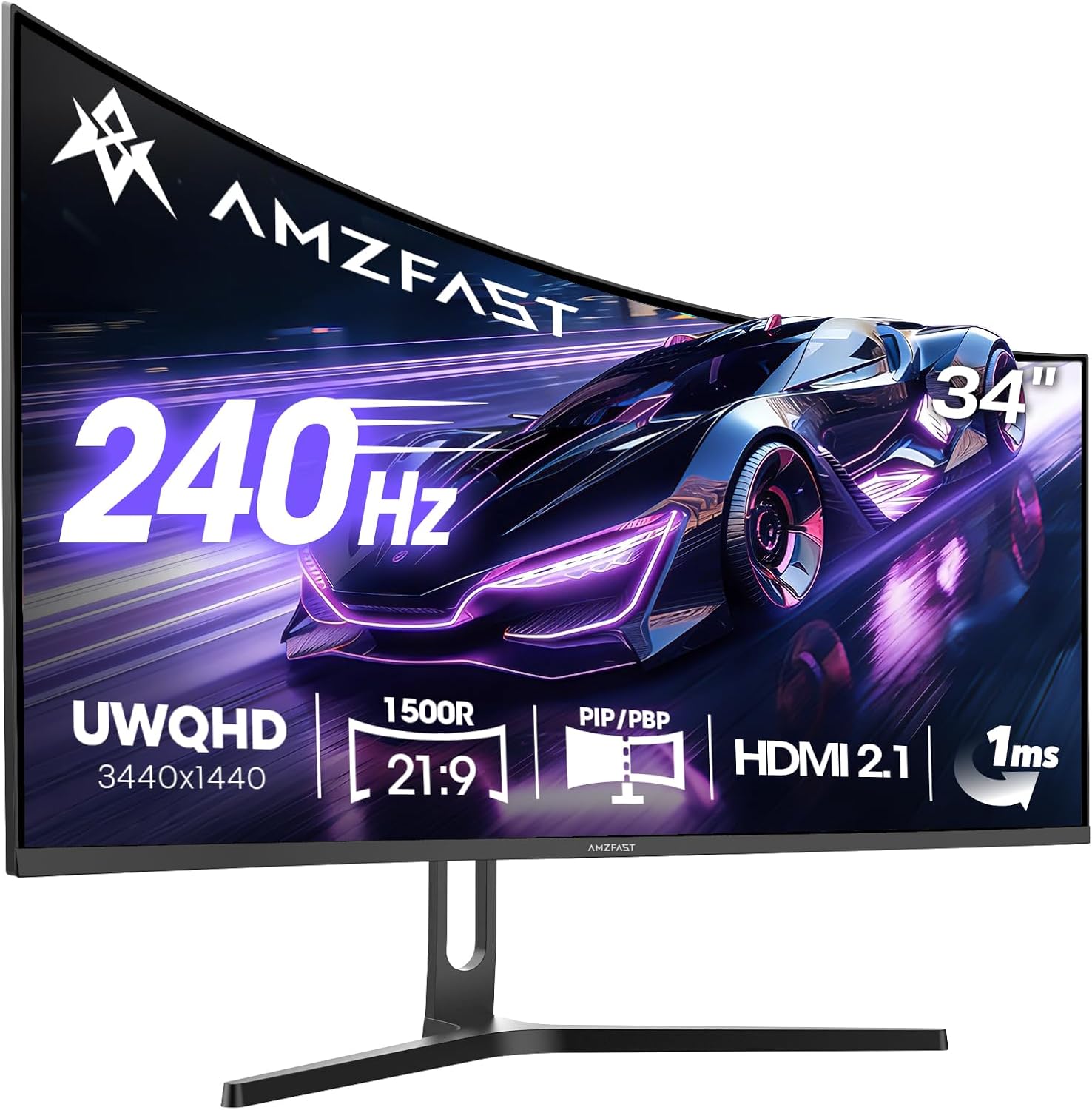
Continue ReadingReading Time: 9 minutesMy Honest Verdict The Amzfast AMZG34C5QPro is a 34-inch ultrawide gaming monitor that punches well above what you’d expect from
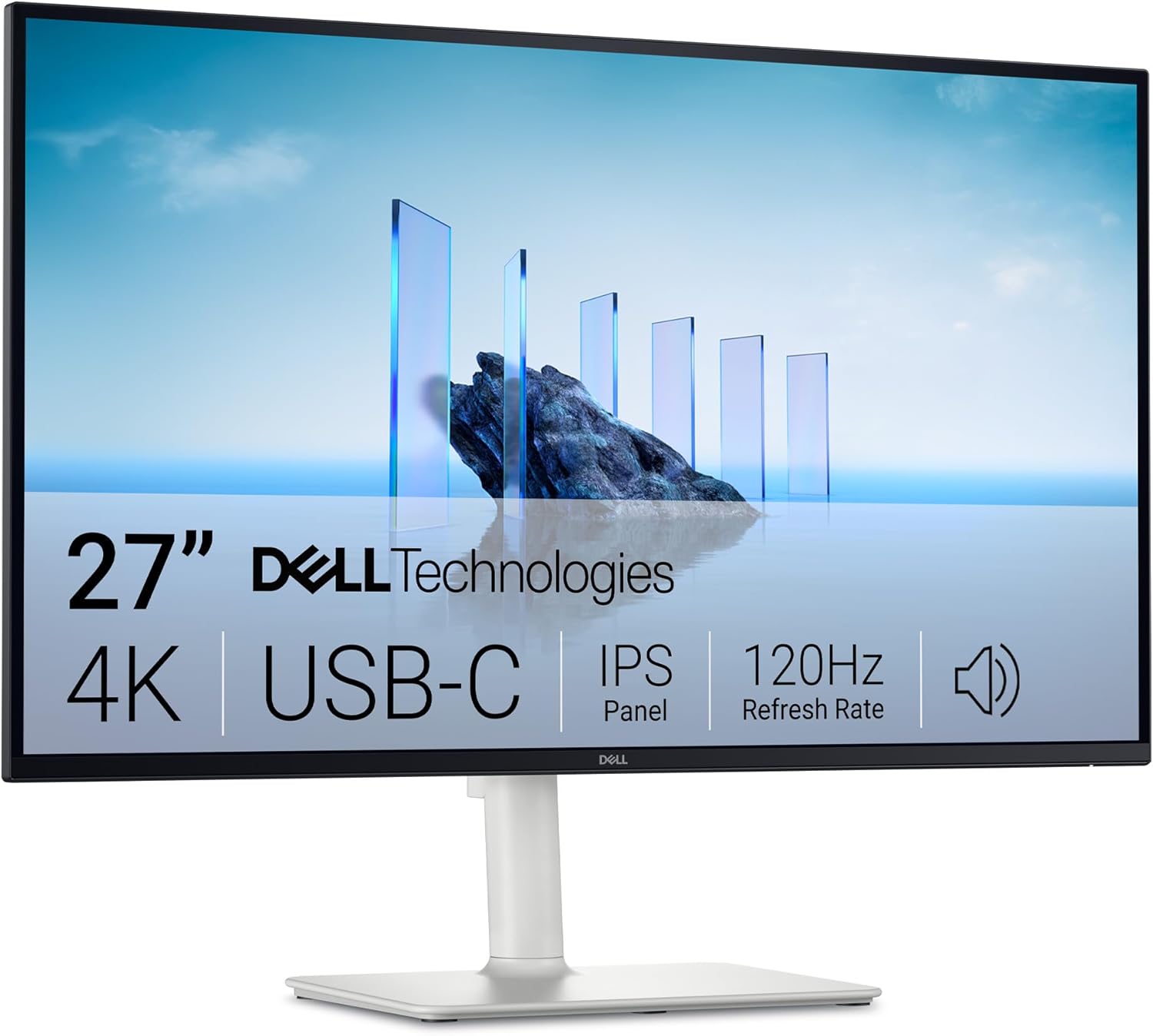
Continue ReadingReading Time: 10 minutesMy Honest Verdict The Dell 27 Plus USB-C Monitor S2725QC is a genuinely strong all-rounder for anyone who wants 4K
Continue Reading