
KTC H24T7 Analysis: QHD Speed at a Budget Price
My Honest Verdict
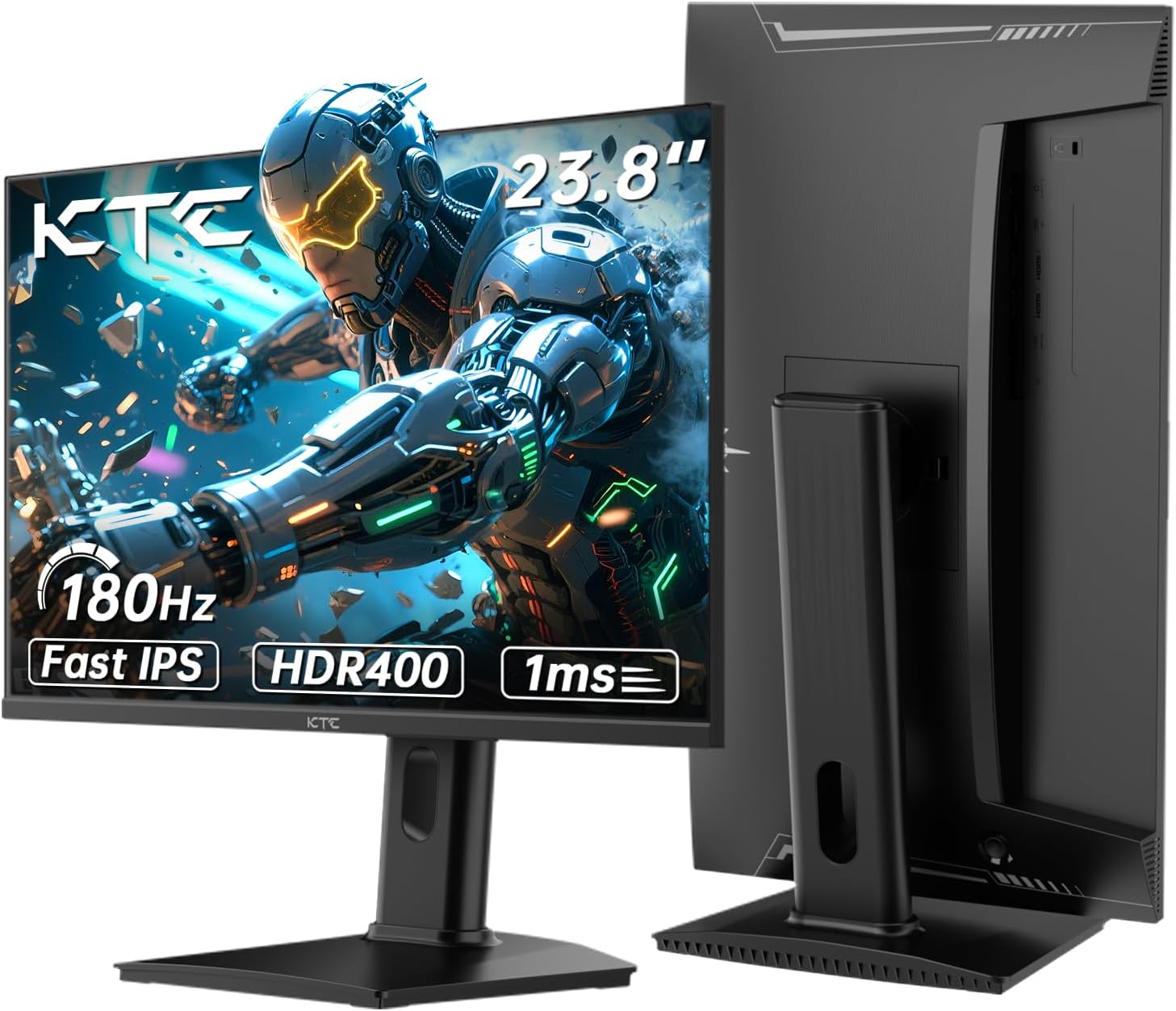
The KTC H24T7 is a 24-inch, QHD (2560×1440) Fast IPS gaming monitor running at 180Hz natively — overclockable to 185Hz — and it earns a genuine recommendation at the price tier it occupies. The headline strength is the combination of resolution, refresh rate, and panel type that most monitors at this level compromise on at least one of. The headline limitation is that this is a budget brand with a narrower track record than the Acers and LGs of this world. That matters slightly for long-term confidence, not for day-one image quality.
What the KTC H24T7 delivers in practice: a noticeably sharper image than 1080p at this screen size, motion that feels genuinely smooth rather than just marketed as smooth, and colours that hold up well from most seated positions thanks to the Fast IPS panel. The 1ms response time figure in the listing is a GtG under optimal overdrive — real-world felt response is closer to 3–5ms, which is still competitive. The 180Hz refresh rate is where most buyers will run this, and it’s a meaningful step above 144Hz monitors — not just a rounding difference.
If you’re a casual to mid-level PC gamer upgrading from a 1080p or 60Hz screen, this is an easy recommendation. If you need colour-critical accuracy for professional photo or video work, look at something with proper factory calibration. If you’re a competitive shooter player who wants the absolute fastest response, you’d be looking at TN panels — but TN at this price looks worse in almost every other respect, so the trade-off rarely makes sense.
Check the KTC H24T7 listing and current availability on Amazon.
What It’s Best For
Competitive and casual gaming. This is clearly what the KTC H24T7 was built around. 180Hz at 2560×1440 on a Fast IPS panel is a solid combination for FPS, racing, and action titles. You get the clarity benefit of QHD — enemies are sharper at distance, UI elements are crisper — without the frame-rate penalty of pushing to 4K. A mid-range modern GPU can hold frame rates that keep the panel fed at native refresh. Adaptive Sync covers both AMD and NVIDIA cards, so screen tearing is handled regardless of your setup. Buyers mention noticeably quicker enemy spotting and smoother animations after switching from 60Hz or 1080p screens — that tracks with what the specs suggest.
General desktop and productivity use. 2560×1440 on a 24-inch screen gives you a higher pixel density than a 27-inch QHD panel — text is sharp, window real estate is genuinely useful, and the 178° viewing angle means colleagues can glance at your screen from the side without everything washing out. The matte finish helps in office environments with overhead lighting. Height adjustment and pivot support make ergonomic setup straightforward — things that often get dropped on monitors at this price point. If you’re using this for mixed work-and-gaming, it holds up on both fronts without compromise.
Upgrading from older or budget screens. Several buyers specifically flag how significant the jump feels when coming from a 1080p or 60Hz panel. That’s not marketing — it’s just physics. Moving to QHD and 180Hz simultaneously is a substantial change, and the KTC H24T7 delivers enough of both to make the upgrade feel worthwhile rather than incremental.
The Specs That Really Matter
The panel is Fast IPS, which sits between standard IPS and TN in terms of response speed. Standard IPS can struggle with motion clarity at high refresh rates — Fast IPS addresses that with improved pixel transition times while keeping the colour and viewing angle advantages that make IPS worth choosing over TN in the first place. If you want to understand how panel types affect what you actually see on screen day to day, the monitor panel types guide covers it properly. The short version: Fast IPS is the right call for a gaming monitor in 2024–2026 that isn’t going OLED.
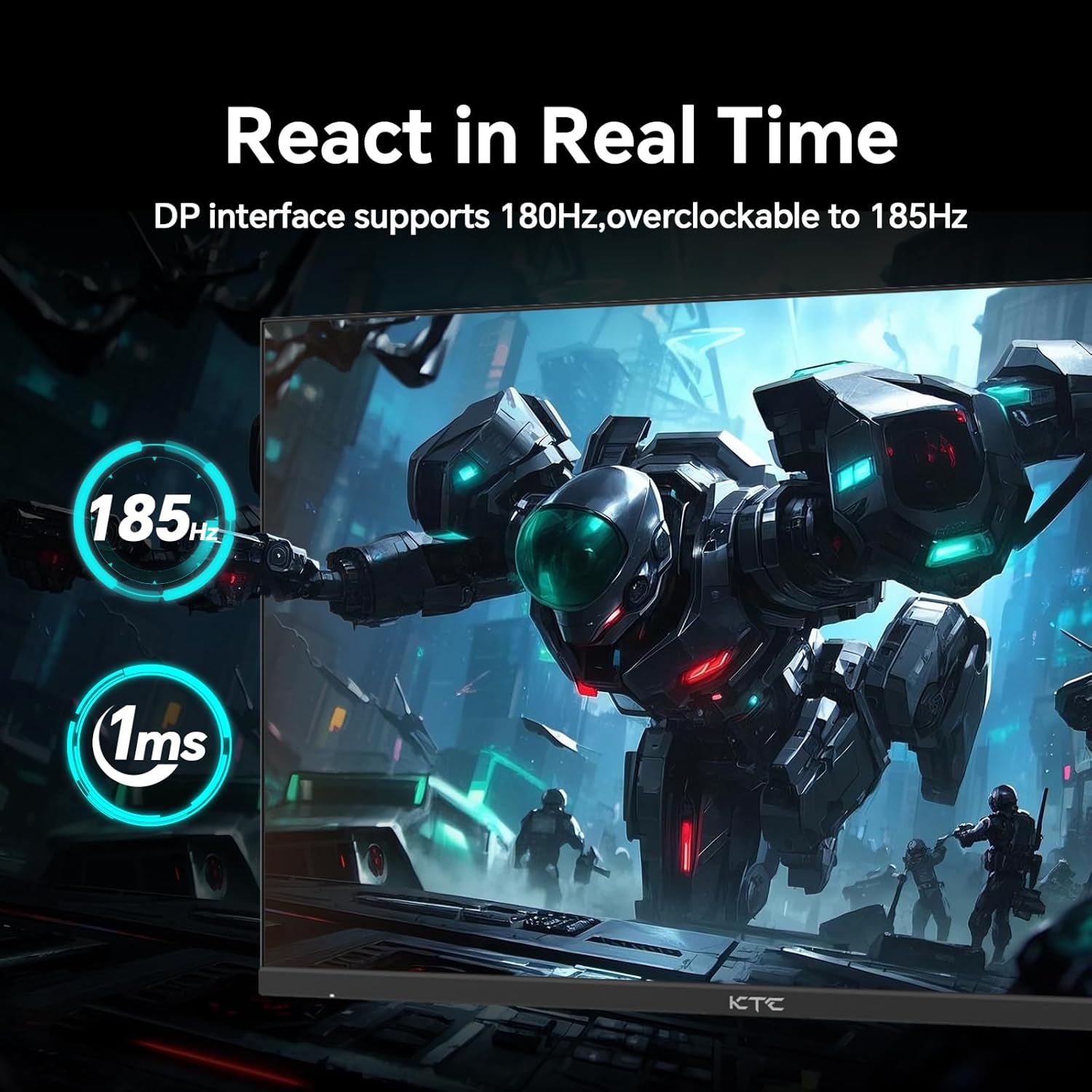
The 180Hz native refresh rate is legitimately useful, not just a spec sheet number. The difference between 60Hz and 180Hz is obvious to anyone. The gap between 144Hz and 180Hz is smaller but still perceptible in fast-paced titles — smoother panning, slightly crisper moving objects. The overclocked 185Hz mode exists and works, but the practical benefit over 180Hz is negligible. Don’t factor it into your decision either way. For more on how refresh rate and response time interact in real gaming use, that’s worth a read before committing.
2560×1440 resolution on a 24-inch panel produces a pixel density of around 122 PPI — noticeably sharper than 1080p at the same size, and a meaningful step up from 27-inch QHD which spreads the same pixel count over more screen. The question of display size versus resolution is always worth thinking through — at 24 inches, 1440p is a sweet spot that most mid-range GPUs can drive comfortably. You don’t need a flagship card to hit useful frame rates.
The HDR400 certification deserves a direct assessment: it is entry-level HDR. The 400cd/m² peak brightness with no local dimming means you get a minor lift in highlights but nothing close to the HDR experience on premium monitors. Don’t buy the KTC H24T7 for HDR. Buy it for the refresh rate and resolution — the HDR badge is a bonus at best and marketing noise at worst. The 1000:1 static contrast ratio is standard for IPS and fine for SDR content.
Connectivity: the listing states two HDMI ports and one DisplayPort — the box includes a DisplayPort cable, which is a genuine win since most monitors at this tier ship HDMI-only. DisplayPort is the correct cable for driving 180Hz at 1440p — use it. There’s also a headphone jack and USB port. If you want the full picture on ports and cables before deciding, the connectivity guide explains what matters and what doesn’t.
Adaptive Sync supports both FreeSync and G-Sync Compatible modes — covering AMD and NVIDIA GPUs without needing to check compatibility before buying. That’s worth noting because some budget monitors still limit this to one camp.
The monitor ships with a 3-year manufacturer warranty, which is reassuring for a lesser-known brand — that’s the same term offered by established names and suggests KTC is confident enough in build quality to back it.
See the full specification sheet and buyer Q&As for the KTC H24T7 on Amazon.
What Buyers Are Saying
The KTC H24T7 holds a 4.3 out of 5 rating across 2,113 customer reviews — a meaningful sample size. The overall picture is positive, with complaints concentrated in a small minority and the most common feedback being straightforward satisfaction from buyers who didn’t expect much and got more than they bargained for.
The praise themes are consistent across UK, Irish, and Canadian buyers: the image quality surprises people upgrading from older screens, assembly is quick and uncomplicated, and the stand quality gets called out specifically as better than expected for the price tier. Multiple buyers mention buying a second unit after being pleased with the first — that’s a reasonable signal of genuine satisfaction rather than honeymoon-period enthusiasm. The colour output draws positive comments once buyers have tweaked settings slightly, which is typical of monitors shipped with conservative factory calibration.
The negative feedback is worth acknowledging without amplifying. One buyer reported a blurry image that didn’t resolve through settings adjustment — that could be a defective unit, incorrect signal settings, or a GPU scaling issue. The built-in speakers are flagged as underwhelming by one reviewer, which is fair — built-in monitor speakers are almost universally average, and the KTC H24T7 is no exception. Use headphones or external speakers and treat the built-in audio as a backup option, not a feature. The overall defect rate implied by the review split doesn’t suggest a systemic quality control problem — isolated issues exist across all monitor brands at every price point.
Note that a handful of reviews appear to describe different KTC models entirely — one mentions a 4K at 160Hz, another references a 32-inch VA panel. These have been filtered out of this assessment as they don’t reflect the KTC H24T7 specifically.
Buyer Highlights
“Going from 60Hz 1080p to 180Hz 2K is a massive difference — I’d definitely recommend this for the specs alone.” — A sentiment repeated across multiple buyers making their first significant monitor upgrade.
“The stand feels really solid and the monitor is very stable — better quality than I expected at this price.” — Ergonomics and build quality consistently exceed buyer expectations at this tier.
“I liked it so much I bought a second one straight away.” — Several buyers reported returning to purchase additional units for multi-monitor setups.
“No backlight bleed at all — I was expecting some with an IPS panel but was pleasantly surprised.” — Not a universal guarantee, but QC on backlight bleed appears better than some buyers anticipated.
“Colours are very vibrant after some tweaking — you can’t tell this isn’t OLED once it’s dialled in.” — Enthusiastic, if a touch generous. Fast IPS with proper calibration does punch above its station.
“Came with a DisplayPort cable, which was actually really handy — most monitors only include HDMI.” — A small practical detail that buyers appreciate and that makes a genuine difference on day one.

Worth Knowing Before You Buy
The OSD (on-screen display) controls are button-based on the rear of the monitor rather than a joystick — one buyer notes it takes a few seconds to get your bearings. That’s a minor usability point, not a dealbreaker, but worth knowing if you’re used to joystick navigation. Once you’ve found the right settings — particularly adjusting brightness down from maximum and tweaking colour saturation to taste — most buyers report being happy with the result. Out-of-box calibration is conservative, which is typical for monitors in this bracket. Budget some time on first setup for a few minutes of adjustment. If you want a practical framework for this, the monitor buying guide covers what to check on initial setup.
The built-in speakers exist but don’t warrant much expectation. They are reportedly tinny with audible rattle at volume — adequate for a notification ping, not for anything you’d actually want to hear. Plan to use headphones or a separate speaker from the outset. On connectivity: one review mentions two DisplayPort inputs and two HDMI, but the official spec lists two HDMI and one DisplayPort. Go by the official spec — the DP cable is included in the box and is the recommended connection for full 180Hz at 1440p.
The Fast IPS panel type means some backlight bleed is possible in dark scenes — that’s a characteristic of IPS generally, not a quality defect specific to this monitor. Most buyers report it isn’t an issue in practice, with one specifically noting zero bleed on their unit. Individual panel variance exists, and the 3-year warranty provides cover if you land a problematic unit. The HDR400 certification won’t transform dark scene handling — the panel doesn’t have the local dimming or peak brightness to make HDR content look dramatically different from SDR. Treat it as a minor bonus rather than a buying reason. As we move further into 2026, HDR400 is increasingly the spec tier that well-informed buyers skip past — it’s entry-level in name but not in impact.
View current stock levels and delivery options for the KTC H24T7 on Amazon.
Who Should Buy It (And Who Shouldn’t)
Buy If
- You’re upgrading from a 1080p or 60Hz monitor and want the sharpness and smoothness improvement in one purchase — the KTC H24T7 delivers both clearly.
- You game on a mid-range GPU (think RX 7600, RTX 4060 class) that can push 1440p frames in the range where 180Hz becomes relevant — you’ll actually use what you’re paying for.
- You want ergonomic flexibility without paying extra for it — height adjustment, tilt, and pivot at this price tier is genuinely useful and not always included.
- You need a monitor that covers both AMD and NVIDIA Adaptive Sync without compatibility concerns — both are supported natively.
Avoid If
- You’re a professional doing colour-critical work — the KTC H24T7 lacks factory calibration data and professional certification; a properly calibrated IPS panel from an established brand is the right call for that use case. See the how to choose a monitor guide if you’re deciding between use cases.
- You’re expecting meaningful HDR — HDR400 without local dimming produces minimal visible improvement over SDR and is not a reason to choose this monitor.
The Bottom Line
The KTC H24T7 offers a combination of QHD resolution, Fast IPS panel quality, and 180Hz refresh rate that would cost noticeably more from a household-name brand. KTC is a lesser-known manufacturer, and that’s a fair thing to weigh — but the 3-year warranty, over two thousand buyer reviews at a 4.3 average, and consistent feedback about build quality that exceeds expectations all point toward a monitor that earns its rating rather than buying it through volume. If the spec combination fits your setup, the KTC H24T7 is a genuinely strong option at this price point.
The KTC H24T7 is listed on Amazon — see the current details and buyer questions there.
At The Monitor Expert, our approach is built on data transparency rather than simulated hands-on testing. We rigorously analyse official manufacturer specifications and aggregate verified customer sentiment to provide honest, straightforward buying advice that cuts through the marketing noise.
As an Amazon Associate, I earn from qualifying purchases.
Browse by Specification
Looking for something specific? Browse our analyses by hardware and feature below, or check all monitor analyses in the Gaming Monitors and Budget Monitors category archives.
[IPS Monitors] — [VA Monitors] — [TN Monitors] — [OLED Monitors]
Browse by Refresh Rate
[60Hz] — [75Hz] — [100Hz] — [120Hz] — [144Hz] — [165Hz] — [180Hz] — [200Hz] — [240Hz+] — [360Hz+]
Browse by Screen Size
[Small Screen] — [24-inch] — [27-inch] — [32-inch] — [Large Screen] — [Ultrawide]




